You've decided that a custom-built application might be the right solution for your business. Now the obvious question: what actually happens next?
For most business owners, the software development process feels like a black box. You explain what you need, some months pass, and hopefully the right thing comes out the other end. In reality, the process is structured, predictable, and — if you understand it — largely under your control.
Here is what it looks like, stage by stage.
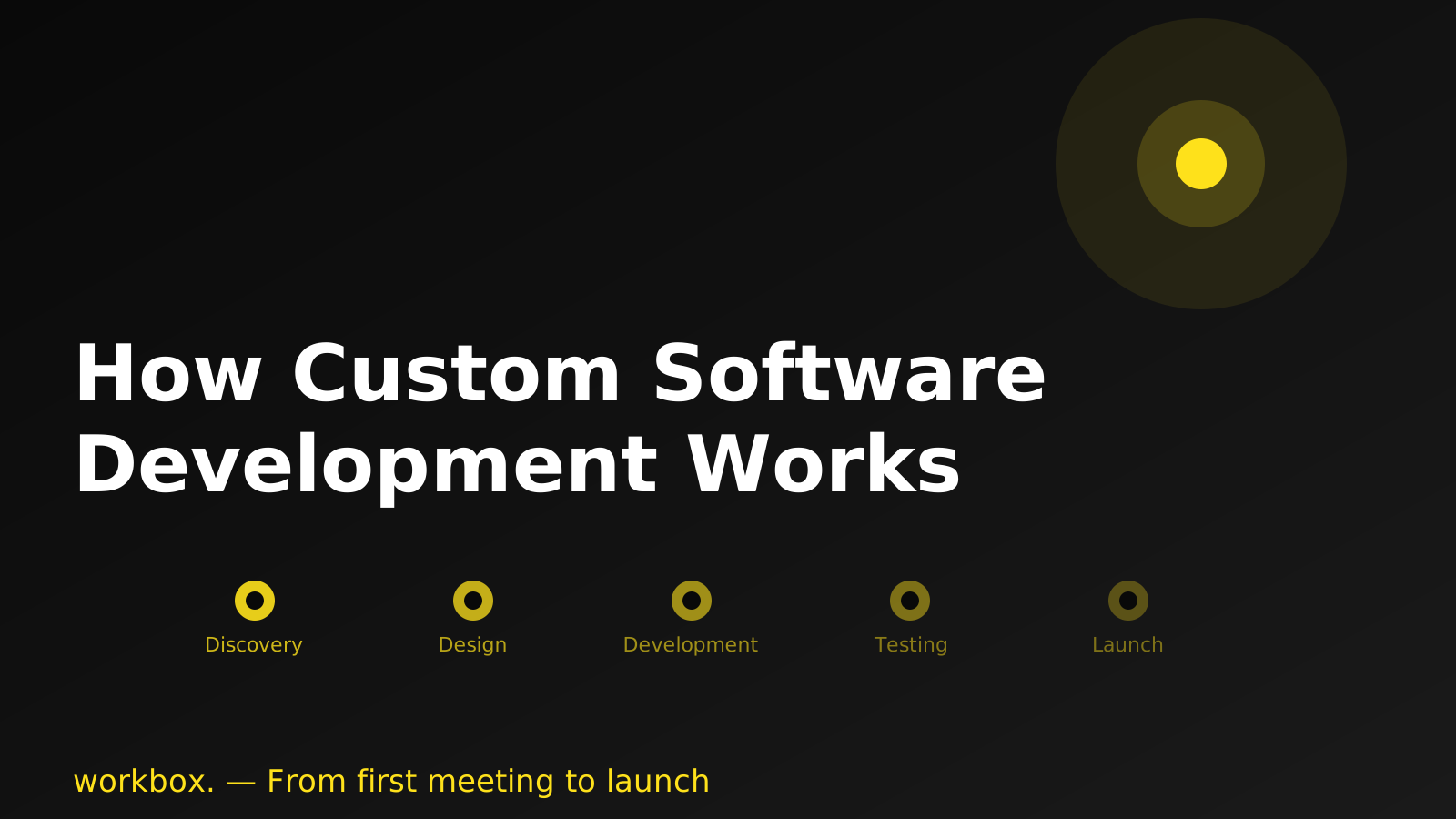
Stage 1: Discovery — understanding the problem before anything is built
The first step isn't writing code. It's asking the right questions.
A good development partner will spend time understanding your business: how you currently work, where the friction is, what success looks like, and what constraints matter (budget, timeline, regulations, existing systems).
This is often called a discovery phase, and its purpose is to make sure both sides are solving the same problem. Rushed discovery is one of the most common reasons software projects fail — not because of bad development, but because the wrong thing was built.
What you can expect at this stage:
- Workshops or interviews with you and key team members
- Documentation of current processes and pain points
- Clarification of scope: what's in, what's out, what comes later
- A shared understanding of what "done" looks like
The output is usually a brief document — a scope definition — that both sides agree on before work begins.
Stage 2: Analysis and design — turning requirements into a plan
Once the problem is understood, the team translates it into a concrete plan.
This stage covers two things: what the software will do (functional specification) and how it will be built (technical design). For non-technical clients, the functional specification matters most — it describes, in plain terms, what each part of the system does and how users interact with it.
You'll typically see:
- Wireframes or mockups showing the interface layout
- User flow diagrams showing how people move through the system
- A feature list with descriptions and priorities
- Technical decisions documented at an appropriate level
This is your last clear opportunity to change the scope without significant cost. Once development starts, changes become more expensive — not because developers are inflexible, but because building is far faster than unbuilding.
A good team will walk you through these documents rather than simply handing them over. If something doesn't match how you expected things to work, this is the moment to say so.
Stage 3: Development — where the building happens
Development is the stage most people imagine when they think of software projects — and in practice, it looks quite different from the stereotype of a developer disappearing for months and returning with a finished product.
Modern development works in short cycles, typically one to four weeks long. At the end of each cycle, working software is produced — not a status report, but actual features you can see and test.
This approach has a practical benefit for you: you can see progress regularly and raise concerns early. A misunderstanding caught in week three costs far less than one discovered in week ten.
During this stage, you should expect:
- Regular demos of work in progress
- Ongoing questions and clarifications (this is normal and healthy)
- A test environment where you can explore the developing product
- A clear channel for feedback and a process for handling it
Your role during development is not passive. The more available you are to answer questions and review work in progress, the smoother the project runs.
Stage 4: Testing — making sure it works as intended
Before anything goes live, it is thoroughly tested. This happens on two levels.
Technical testing is carried out by the development team — checking that the system behaves correctly, handles edge cases, and holds up under realistic load.
User acceptance testing (UAT) is carried out by you and your team — checking that the system does what your business actually needs. This is not about finding bugs in the technical sense; it is about confirming that the way the software works matches the way your people work.
UAT often surfaces small adjustments that weren't anticipated during design. This is entirely normal. The goal of this stage is to resolve those gaps before users encounter them in real conditions.
A clear process for logging and prioritising feedback during UAT makes this stage much smoother. Good development teams will provide a simple system for this.
Stage 5: Launch — going live
Launch is when the software is deployed to its production environment and made available to real users. A well-managed launch is not a surprise — it is a planned transition.
A few things that happen around launch:
- Data migration, if you are moving from an existing system
- User training, so your team is ready to use the new system confidently
- A go-live plan, often including a period of heightened monitoring to catch anything unexpected
- Rollback readiness, so if something goes wrong, there's a clear plan for what happens next
The complexity of launch depends on the size of the system and how deeply it's integrated with your business operations. A standalone tool for a small team looks very different from an enterprise system processing thousands of transactions per day.
Stage 6: After launch — the project doesn't end at deployment
This is the stage that surprises many first-time clients: going live is not the end of the engagement.
Real-world usage always reveals things that testing did not. Users find their own paths through the system. Load patterns differ from what was modelled. Small adjustments accumulate into a list of improvements.
This is why the relationship with your development partner after launch matters. You need a clear answer to: who fixes a bug found on day three? Who handles the update when your payment provider changes its API? Who builds the feature your team realises it needs two months in?
Most established development teams offer a support and maintenance agreement covering fixes, updates, and ongoing development. The specifics — what's included, how quickly issues are addressed, how new work is scoped — should be agreed before launch, not negotiated under pressure afterward.
What makes a project succeed
The mechanics above are learnable. The softer factors are harder to teach but account for most of the difference between projects that go well and projects that don't.
Clear ownership on your side. Software projects need a point of contact — someone with the authority to make decisions and the time to engage with the team. Projects without this drift.
Willingness to invest in discovery. The most expensive thing you can build is the wrong thing. Teams that skip or rush the problem-understanding phase almost always pay for it later.
Realistic expectations about change. Scope will shift. Requirements will be refined as the product takes shape. This isn't a failure — it's how good software gets built. The question is whether your process handles change gracefully or chaotically.
A partner who tells you what you need to hear. The best development relationships are the ones where the team pushes back when something doesn't make sense, asks uncomfortable questions, and is honest about trade-offs. If a team agrees with everything you say, that's a warning sign, not a good sign.
If you're at the early stage of thinking about a software project, talk to us. We'll help you understand whether what you have in mind makes sense, what it might involve, and where to start.