Every business has a back office. Finance teams chasing approvals. HR staff manually onboarding new employees. Procurement managers copy-pasting data between systems. Operations teams compiling weekly reports by hand.
This is not just inefficient — it is expensive, error-prone, and increasingly unnecessary.
Hyperautomation is the practice of identifying and automating as many business processes as possible, using a combination of AI, robotic process automation (RPA), and intelligent workflow tools. In 2026, it has moved from an aspirational goal to a standard operating practice at forward-thinking companies across Europe and beyond.
What hyperautomation actually means
The word sounds technical, but the idea is straightforward: instead of automating one task at a time, you look at entire end-to-end processes and eliminate manual steps throughout.
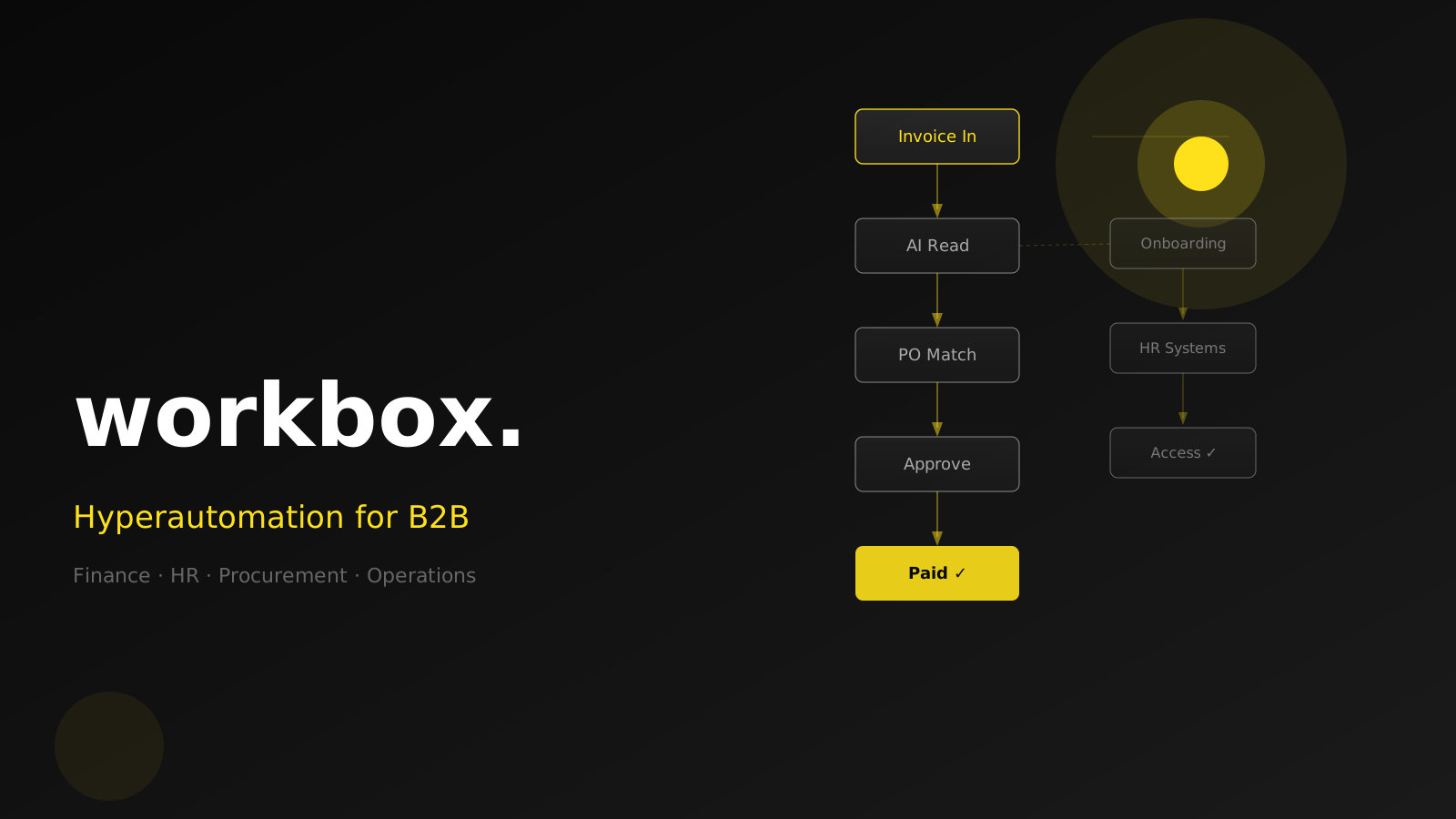
A traditional approach might automate invoice receipt. Hyperautomation automates the entire accounts payable flow: the invoice arrives, the system reads it, matches it against the purchase order, checks the budget, routes it to the right approver, and posts the payment — without anyone touching a keyboard.
The key ingredients:
- AI to read, classify, and understand unstructured content (emails, PDFs, handwritten forms)
- RPA to interact with existing software systems that lack a proper API
- Workflow orchestration to connect steps, handle exceptions, and route decisions to humans when needed
- Analytics to measure how the automated process is performing and where it still breaks down
None of these technologies is new. What is new is how cheaply and quickly they can be combined — and how dramatically the results have improved as AI models have matured.
Which processes are being automated first
Not everything is equally ready for automation. The processes that deliver the fastest return are high-volume, rule-based, and involve moving data between systems:
Finance and accounts payable
Invoice processing, purchase order matching, payment scheduling, and month-end reconciliation are natural starting points. Companies automating these workflows typically report 30–50 % reductions in processing time and near-elimination of manual data entry errors.
Human resources and employee onboarding
When a new employee joins, a dozen systems need to be updated: payroll, access rights, IT equipment requests, office administration, benefits enrollment. An automated onboarding flow can handle all of this in minutes rather than days — and ensures nothing is forgotten.
Procurement and vendor management
Automated systems can generate requests for quotation, collect and compare vendor responses, flag anomalies, and trigger approval workflows — compressing procurement cycles that used to take weeks into hours.
Reporting and compliance
Gathering data from multiple systems, formatting it into reports, and distributing it to stakeholders is work that many employees spend hours on every week. Automated reporting pipelines do this on a schedule, with consistent formatting and zero risk of the data being wrong because someone pulled from the wrong spreadsheet.
Customer communication and case management
Incoming inquiries — whether by email, form, or portal — can be classified, routed to the right team, enriched with customer data, and have an initial response drafted automatically. Human agents spend their time on genuinely complex cases, not copy-pasting account numbers.
What the numbers look like
Hyperautomation ROI is not theoretical. Based on implementations across mid-size B2B companies:
- Finance teams automating accounts payable report saving 15–25 hours per employee per month
- HR teams report employee onboarding time dropping from 3–5 days to under 4 hours
- Procurement automation typically delivers 20–40 % reduction in cycle time with measurable improvement in vendor compliance
- Error rates in data handling drop to near zero once human transcription is removed from the loop
The upfront investment — typically 3–6 months of project time for the first major workflow — pays back within 12–18 months in most cases. Subsequent workflows are faster and cheaper to automate because the infrastructure and integration layer is already in place.
The mistakes companies make
Automating a broken process
Automation makes a process faster. If the process is poorly designed, it will fail faster. Before automating anything, map the current workflow and fix the obvious inefficiencies. Don't automate a workaround.
Treating it as an IT project
Hyperautomation succeeds when business teams own the outcomes. IT provides the platform; finance owns the accounts payable automation; HR owns the onboarding flow. If the project lives entirely in IT, it will optimize for technical elegance rather than business value.
Ignoring exceptions
Every automated process will encounter situations it wasn't designed for. The question is not whether exceptions will happen but how they will be handled. Design exception paths from the start — clear escalation routes, human review queues, and alerts when something is stuck.
Trying to automate everything at once
Start with one high-volume process. Prove the ROI. Build the team's confidence and capability. Then expand. Companies that try to hyperautomate the entire business in year one typically stall and give up.
How to get started
Step 1: Map your manual work. Ask each department to list the tasks they repeat most often. Focus on anything that involves copying data between systems, filling out the same fields in multiple tools, or preparing the same reports every week.
Step 2: Prioritize by volume and pain. The best first target is high-frequency, time-consuming, and hated by the people doing it. A task done 500 times a month is worth far more attention than one done twice a quarter.
Step 3: Choose one process and go deep. Automate it end-to-end. Don't stop at the easy steps — map all the edge cases and handle them properly. A half-automated process often creates more work than it saves.
Step 4: Measure from day one. Track processing time, error rate, and cost per transaction before and after. These numbers will justify the next project and help you build internal momentum.
Step 5: Expand systematically. Once one workflow runs reliably, the next one is faster. You're building a capability, not just deploying a tool.
Manual back-office work is a competitive disadvantage. The companies pulling ahead in 2026 are not necessarily bigger or better resourced — they are simply more systematic about eliminating work that machines can do, so their people can focus on work that actually requires human judgment.
If you're looking at where to start or how to scope a first automation project, reach out. We help B2B companies design and implement workflow automation that delivers measurable results from day one.